Revnu API
The Revnu API: Approve Work and Talk to Your Growth Agent From Your Own Software
On this page
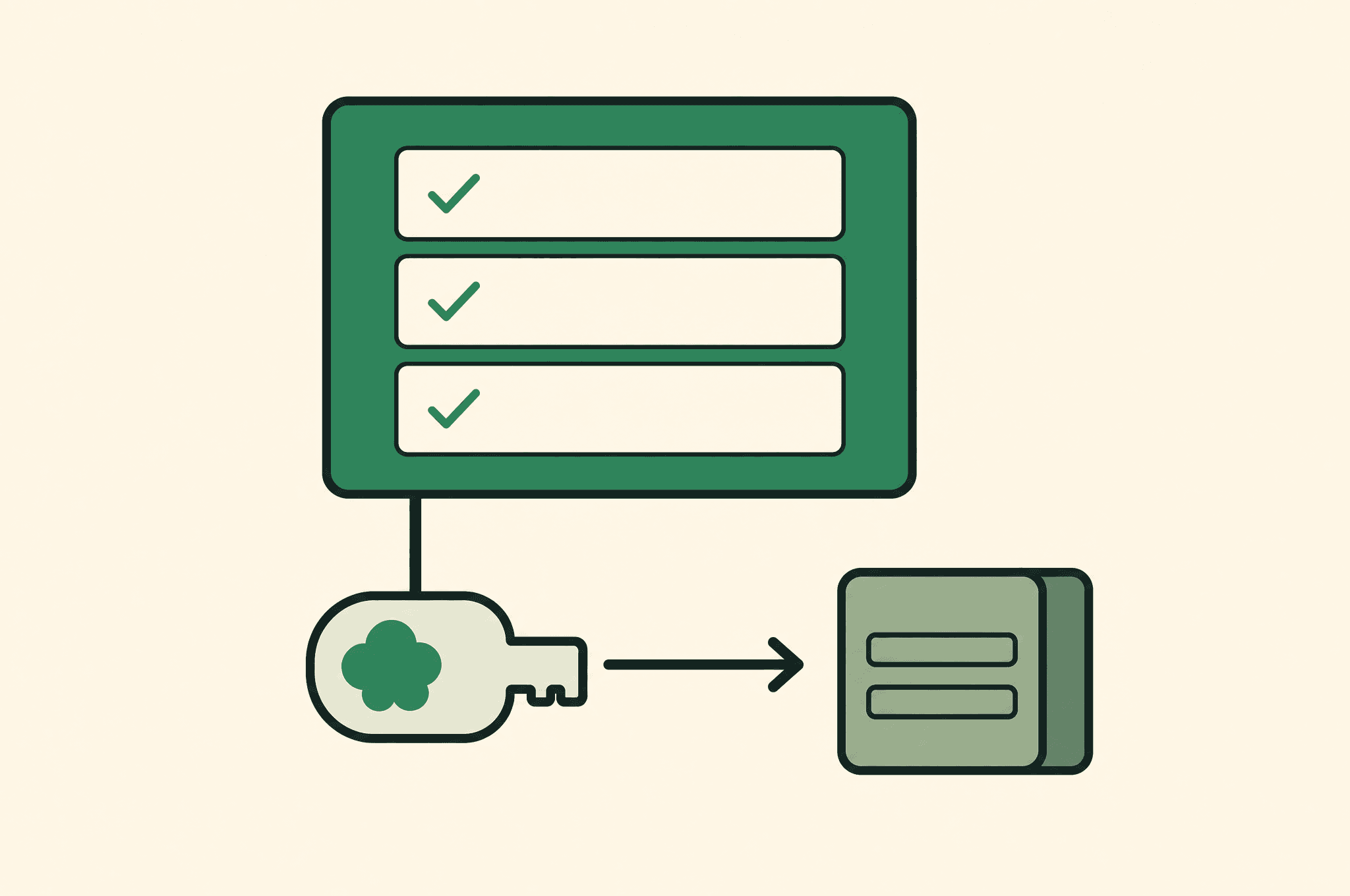
Your revnu agent puts anything that needs your say-so in a review queue: outreach drafts, blog posts, budgets, questions. The API lets your own software read that queue, approve or decline from wherever you already work (a Slack bot, an internal tool, a screen on the office wall), message the agent, and pull results into your own reporting. It is the agent's front door, not a toolbox: nothing here sends email, publishes, or spends except through the same approvals the dashboard uses.
The contract
Base URL:  https://revnu.com/api/v1
Auth:      Authorization: Bearer rvp_...   (server-side env var only)
Mint a token in the dashboard: Settings → API tokens. Give it a label and pick scopes. The token is shown once; we store only a hash. Up to 20 live tokens per account, revocable individually.
| Scope | Lets a token |
|---|---|
review:read |
see what is waiting for you |
review:write |
approve, answer, send back, snooze, dismiss |
agent:message |
message your agent and read its replies |
results:read |
read results, workflows, agent status |
leads:read |
read leads and contacts |
Give a wall screen review:* only. Give a reporting job results:read only.
A leaked read-only token cannot cause a send, a publish or a spend.
Statuses everywhere: 200 ok (202 for a queued message), 400 bad input,
401 unknown or revoked token, 403 token lacks the scope, 404 unknown id
or another account's id (indistinguishable on purpose), 409 the action is
not allowed on that card right now (body says which are), 429 slow down
(Retry-After header), 503 try again shortly. Every response is
Cache-Control: no-store.
Try it:
curl -H "Authorization: Bearer $REVNU_API_TOKEN" https://revnu.com/api/v1/meGET /me needs no scope and tells you who the token is: its label, scopes,
the account it belongs to, and the rate limits it is held to. Use it to
verify a token before wiring it anywhere.
Review queue
GET  /review?status=pending|needs_revision&limit=50     what is waiting on you
GET  /review/{id}                                        one card, any status
POST /review/{id}/answer            { action, text?, optionValues? }
POST /review/{id}/send              { body? }            gmail cards only
POST /review/{id}/request-changes   { text }
POST /review/{id}/snooze            { until }            epoch ms, future
POST /review/{id}/dismiss           { reason? }
A card looks like this:
{
  "id": "k97...",
  "kind": "approval",              // approval | question | ...
  "sourceType": "gmail_draft",     // what the agent was doing; null for a plain question
  "status": "pending",             // pending | needs_revision | resolved | ...
  "title": "Reply to Priya at Acme",
  "prompt": "...",                 // the agent's ask
  "summary": "...",
  "detail": "...",
  "priority": "high",              // low | normal | high
  "options": [{ "label": "...", "value": "..." }],   // for choice cards, else null
  "textInput": { "placeholder": "...", "required": true },  // for questions, else null
  "budgetChange": { "currency": "USD", "previousMonthlyCap": 500, "monthlyCap": 800 },  // or null
  "payload": { ... },              // the draft, the research (long text capped at 8 KB)
  "actions": ["send", "snooze", "dismiss"],   // the exact verbs this card accepts
  "primaryLabel": "Send Reply",    // what the dashboard's main button says
  "autoResolveAt": 1758326400000,  // when the trust ladder ships it unattended, or null
  "dueAt": null, "snoozedUntil": null,
  "leadId": "...", "postId": null,
  "createdAt": 1758240000000, "updatedAt": 1758240000000, "resolvedAt": null
}
Drive your UI from actions. It is computed per card from the same rules
the dashboard uses, and a POST with a verb not in that list is a 409 with
the current list. The verbs:
approve(via/answerwithaction: "approve"): ship it. A blog draft publishes, a Reddit post posts, a budget is approved, an outbound proposal sets up.answer(action: "answer",text): reply to a question the agent asked.choose(action: "choose",optionValues: ["one value"]): pick one of the card's options.send(POST /send): Gmail replies and drafts go through here, not/answer, because sending email holds a delivery lease. Passbodyto send an edited version.request-changes: send it back with feedback. The agent revises and a new version returns to the queue.snooze: hide untiluntil. Cancels any auto-ship deadline.dismiss: decline. The card closes, the agent's trust for that kind of work resets, andreasonteaches it.
Every write is recorded in the account's audit log against the token's label.
Messaging the agent
POST /agent/messages                { text, clientRequestId?, waitSeconds? }
                                    → 202 { requestId, deduplicated } or, once a waited reply lands, 200 { ..., message }
GET  /agent/messages/{requestId}    → { message: { requestId, status, text, sentAt, replies[], failure? } }
GET  /agent/thread?limit=50         → { items: [{ role, requestId, text, at }] }
GET  /agent/status                  → { status: { sandbox, running, lastActivityAt, pendingWakes, nextWakeAt } }
A message is exactly what typing into the dashboard chat does. Poll the
requestId: status moves queued → running → replied (or failed with a
failure message; re-send with a new client id). The agent may answer in
more than one bubble, so replies is a list. Replies usually land in under a
minute; poll every few seconds, and stop after five minutes.
One call instead of a poll loop. Pass waitSeconds (up to 120) and the
request stays open until the agent has replied or failed; the response is
then 200 with the finished message inline. If the wait runs out the
response is 202 with the message's last state and you poll from there.
Each token is its own conversation. Your dashboard and Slack threads are not
visible through it, and it is not visible to them. clientRequestId (up to
128 characters) makes a retried POST return the original requestId instead
of sending twice.
Results, workflows, leads
GET /results?since=<epoch ms>        the growth scoreboard for a window ending now
GET /workflows                       recurring workflows: schedule, next run, steps
GET /workflows/{id}/runs?limit=10    run history with per-step outcomes
GET /leads?status=&limit=&cursor=    newest first; pass back nextCursor
GET /leads/{id}                      one lead with its contacts
Results come back as per-channel sections, each either
{ "available": true, "data": {...} } or
{ "available": false, "reason": "..." }. Zero and unknown are different
numbers, and the API never turns one into the other. since is clamped to
the last seven days; default is 24 hours.
Leads carry status and outreach counts, never draft bodies. Contacts on a lead
are capped at 50 with contactsTruncated: true when there were more.
Rate limits
Per token, sustained: reads 300 per minute, review writes 60 per minute,
agent messages 30 per minute, each with a burst of twice that. There is also
a fixed ceiling across all of an account's tokens. Over the limit is 429
with Retry-After in seconds. A wall screen polling /review every 10
seconds is well inside.
The one hard rule
Server-side only. The API does not send CORS headers and a token in a browser bundle is a token on the internet. Call it from your backend, a serverless function, a bot, or the CLI.
CLI and MCP
npm install -g @revnu/cli gives you revnu: the same routes as commands
(revnu review list, revnu review approve <id>, revnu agent message "...", revnu results) and revnu mcp, a stdio MCP server so Claude
Desktop, Claude Code or Cursor can read your queue and talk to your agent.
{
  "mcpServers": {
    "revnu": {
      "command": "npx",
      "args": ["-y", "@revnu/cli", "mcp"],
      "env": { "REVNU_API_TOKEN": "rvp_..." }
    }
  }
}
The MCP tools map one-to-one onto the routes above, plus whoami for GET /me. Writes through an
assistant are real writes; mint it a read-only token if it should only look.
Let Revnu run this for you.
Connect your product and Revnu drafts the SEO, ads, and outbound. You approve in one tap. Book a 30-minute call and see it on your stack.
Book a demoFrequently asked questions
Can the API send email or publish on its own?
No. The API is the agent's front door, not a toolbox. Every write goes through the same review cards and trust ladder the dashboard uses: approving a card ships what the agent already drafted, and a read-only token cannot cause a send, a publish, or a spend at all.
Can I use the token from a browser app?
No. The API is server-side only and does not send CORS headers. A token in a browser bundle is a token on the internet. Call it from your backend, a serverless function, a bot, or the revnu CLI, and keep the token in an environment variable.
How do I connect Claude or Cursor to my Revnu agent?
Install @revnu/cli and add revnu mcp as an MCP server with your token in the environment. The tools map one-to-one onto the API routes, so your assistant can list what is waiting, approve or send back a card, and message the agent. Mint it a read-only token if it should only look.
What happens if my software retries a request?
Reads are safe to repeat. For agent messages, pass a clientRequestId and a retry returns the original requestId instead of sending twice. Review writes are checked against the card's current actions, so approving an already-resolved card is a 409, not a second approval.
Written by
Art Freebrey
Co-founder, Revnu